 Zwiim
Run coding agents on your machine. Steer them from anywhere.
Claude Code, Codex, Gemini and more, side by side, each in its own Git worktree. Approve, answer and follow them from your phone.
v0.2.4 · macOS on Apple Silicon · Android APK · iOS coming soon
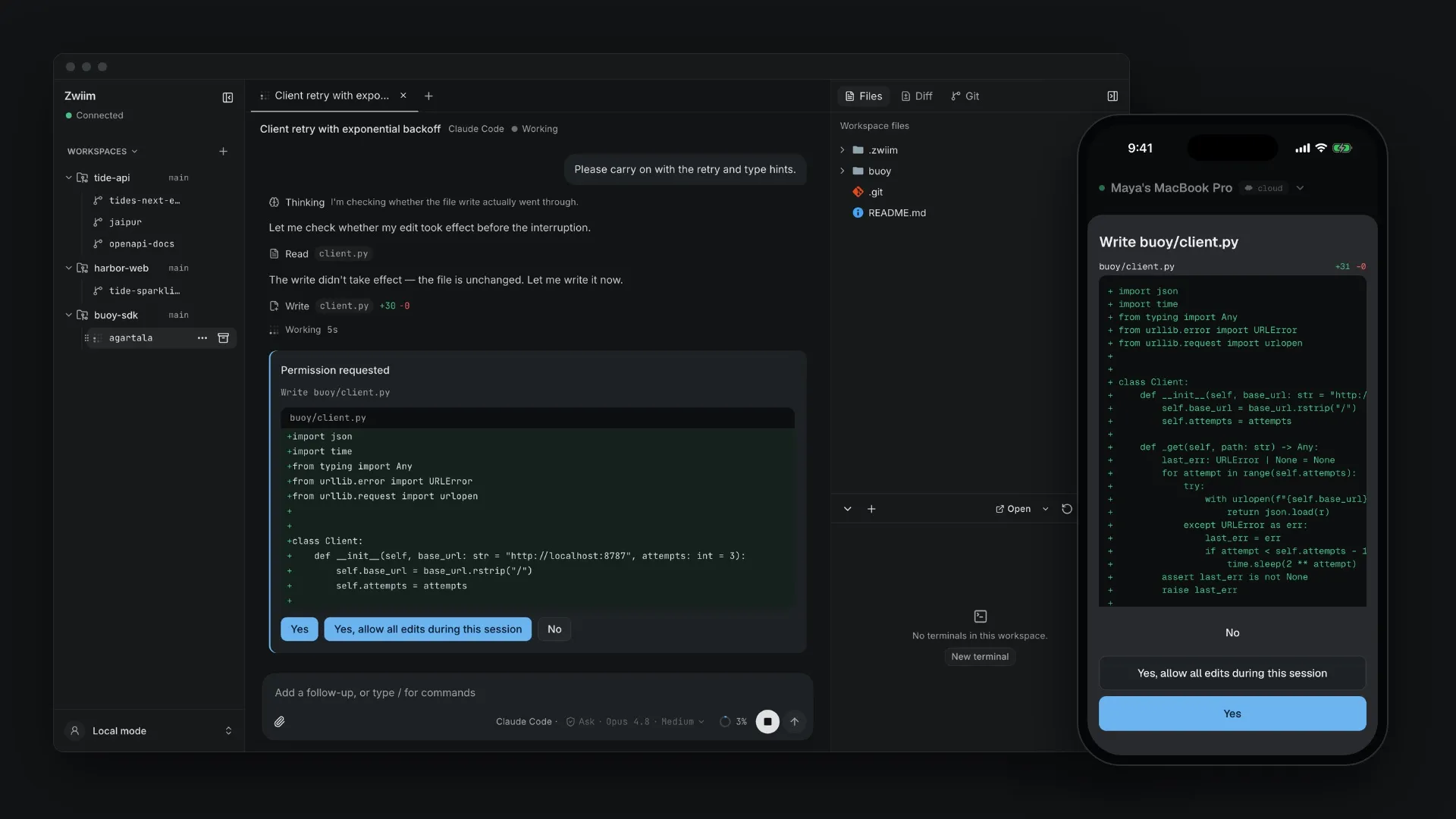
Your agents
Bring the agents you already pay for.
Zwiim drives Claude Code, Codex, Gemini, Cursor, OpenCode and others. No new model to learn, no tokens to buy.
- Your own subscriptions and keys
- Several agents side by side, one worktree each
- Every approval request lands in one place

See it in 15 seconds
Start at your desk. Follow on your phone.
A real screen recording: prompting a new Claude Code session on the Mac, reading files and opening the diff, while the phone shows the same session working live.
Recorded live on the Mac and the iPhone app, sped up 1.8×.
Features
Many agents. One of you.
Zwiim keeps every agent in its own lane and brings you in only when one needs a decision.
Start several agents at once. Each session gets its own worktree and branch, so they never step on each other. Zwiim renames the branch to match the work.
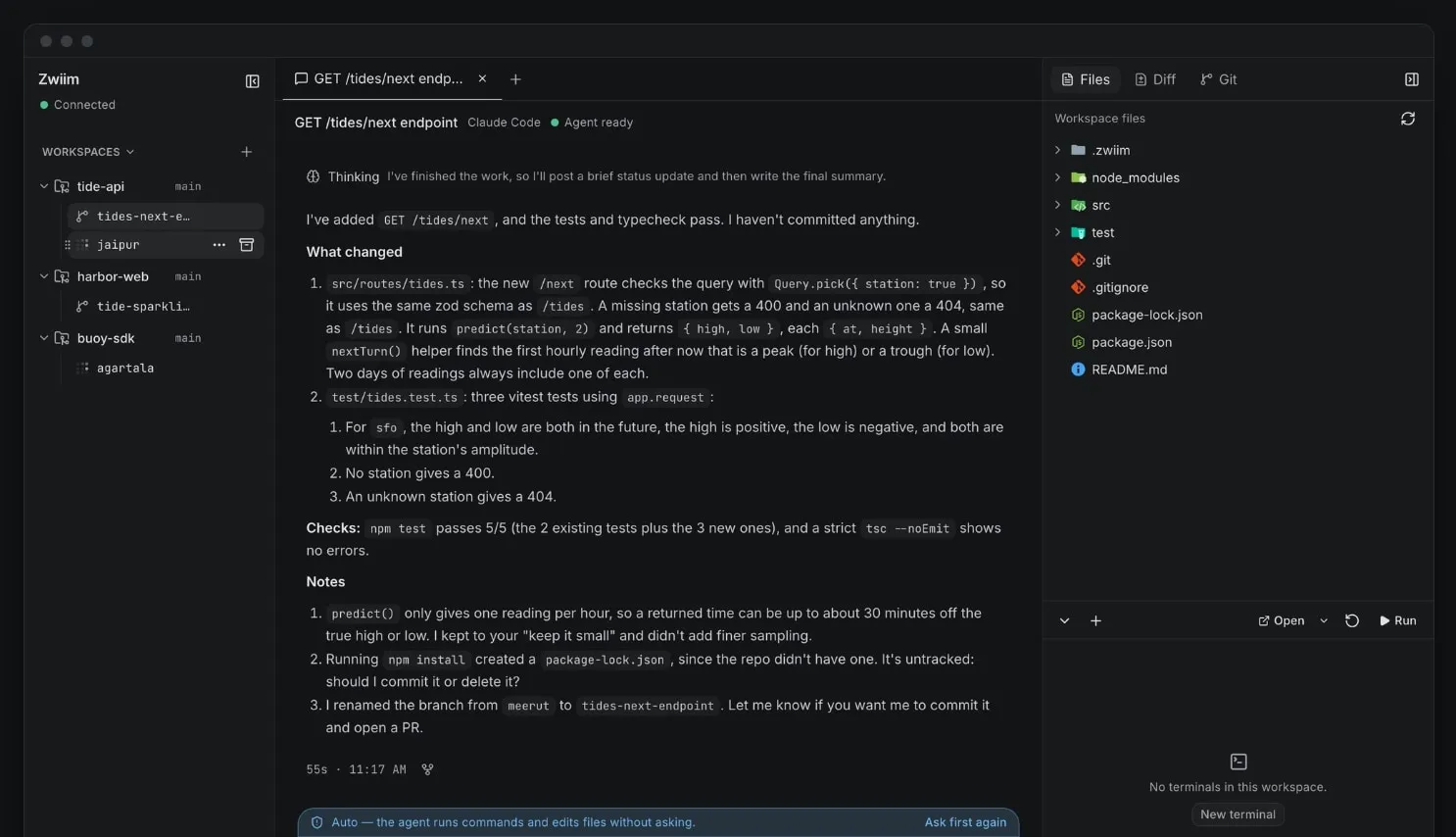
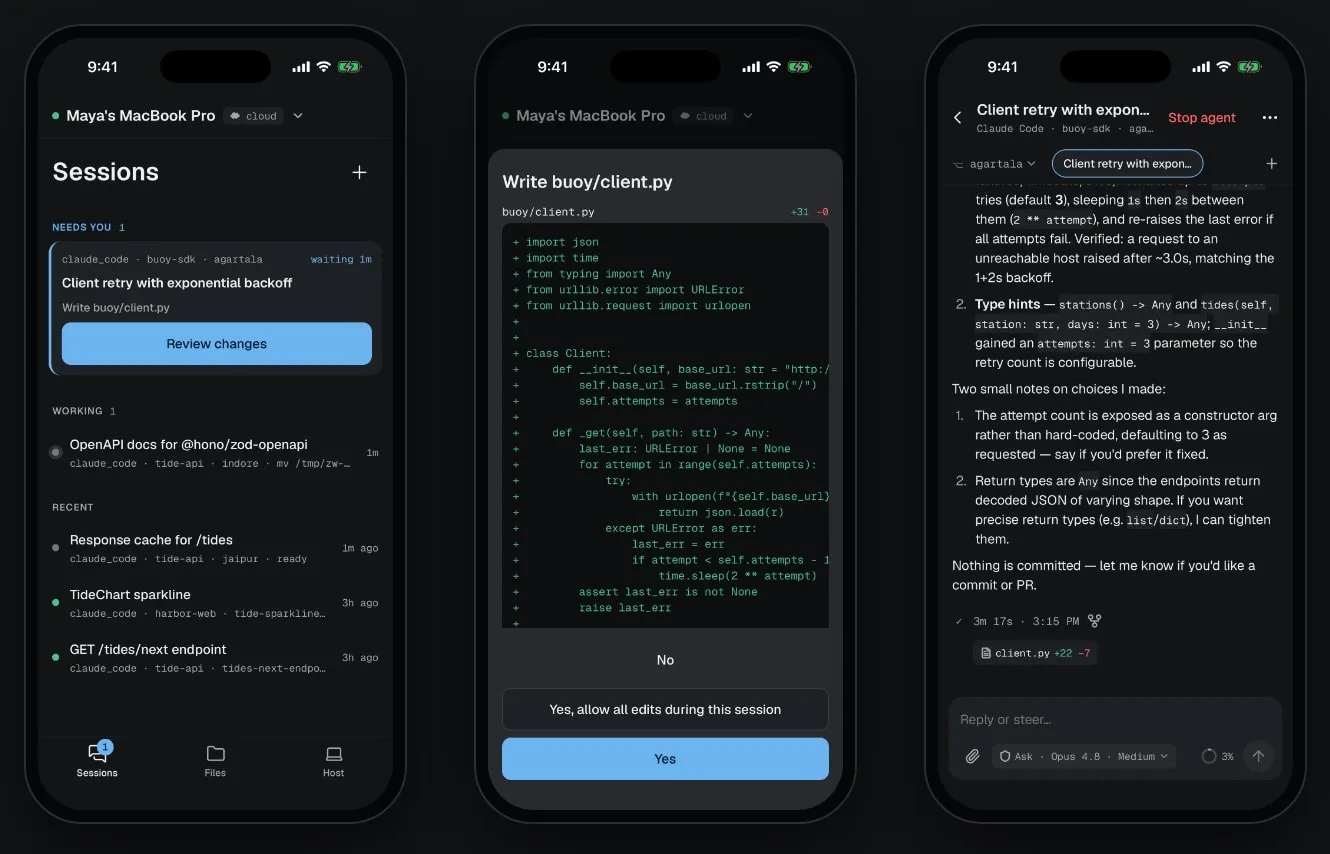
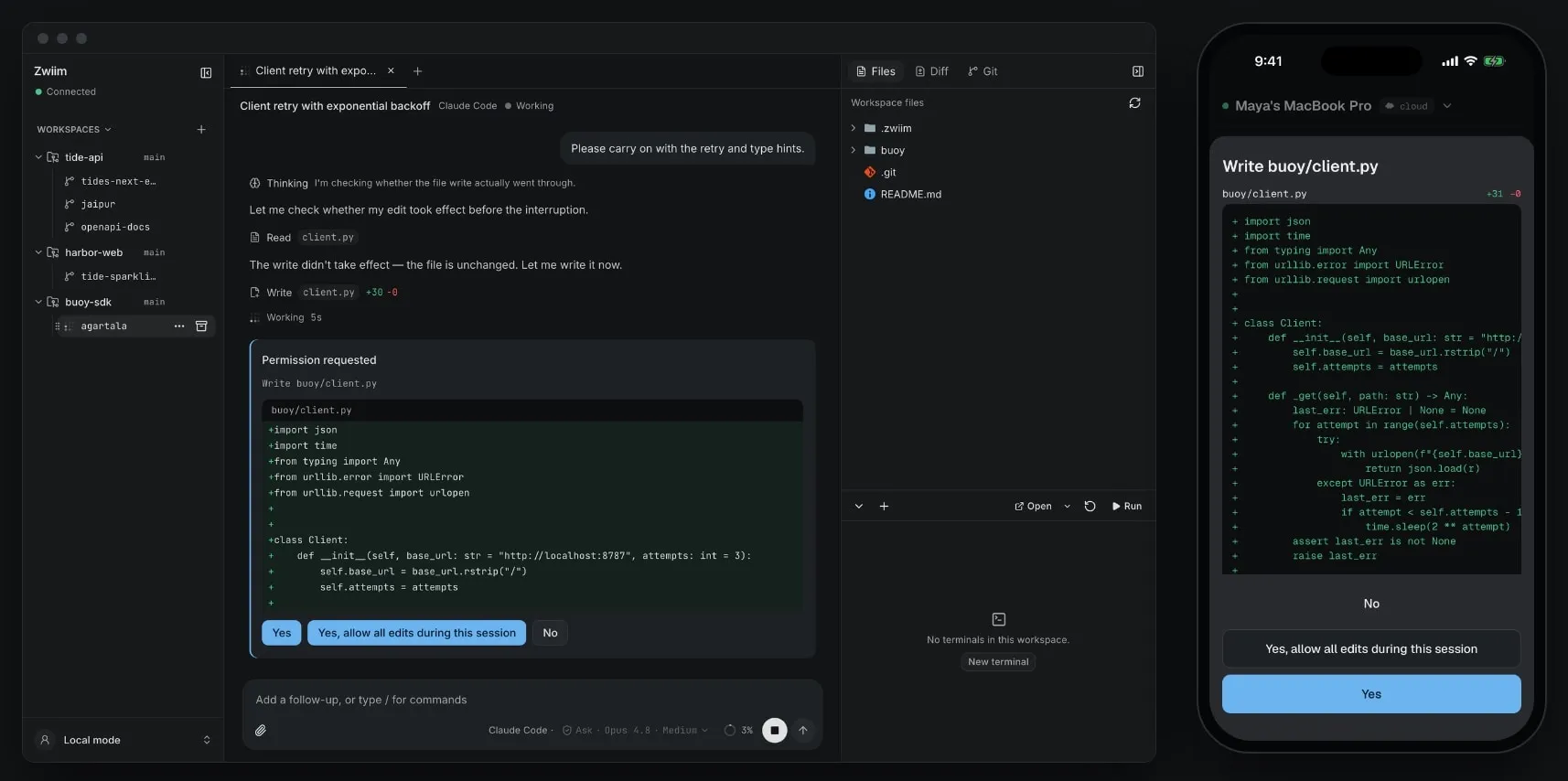
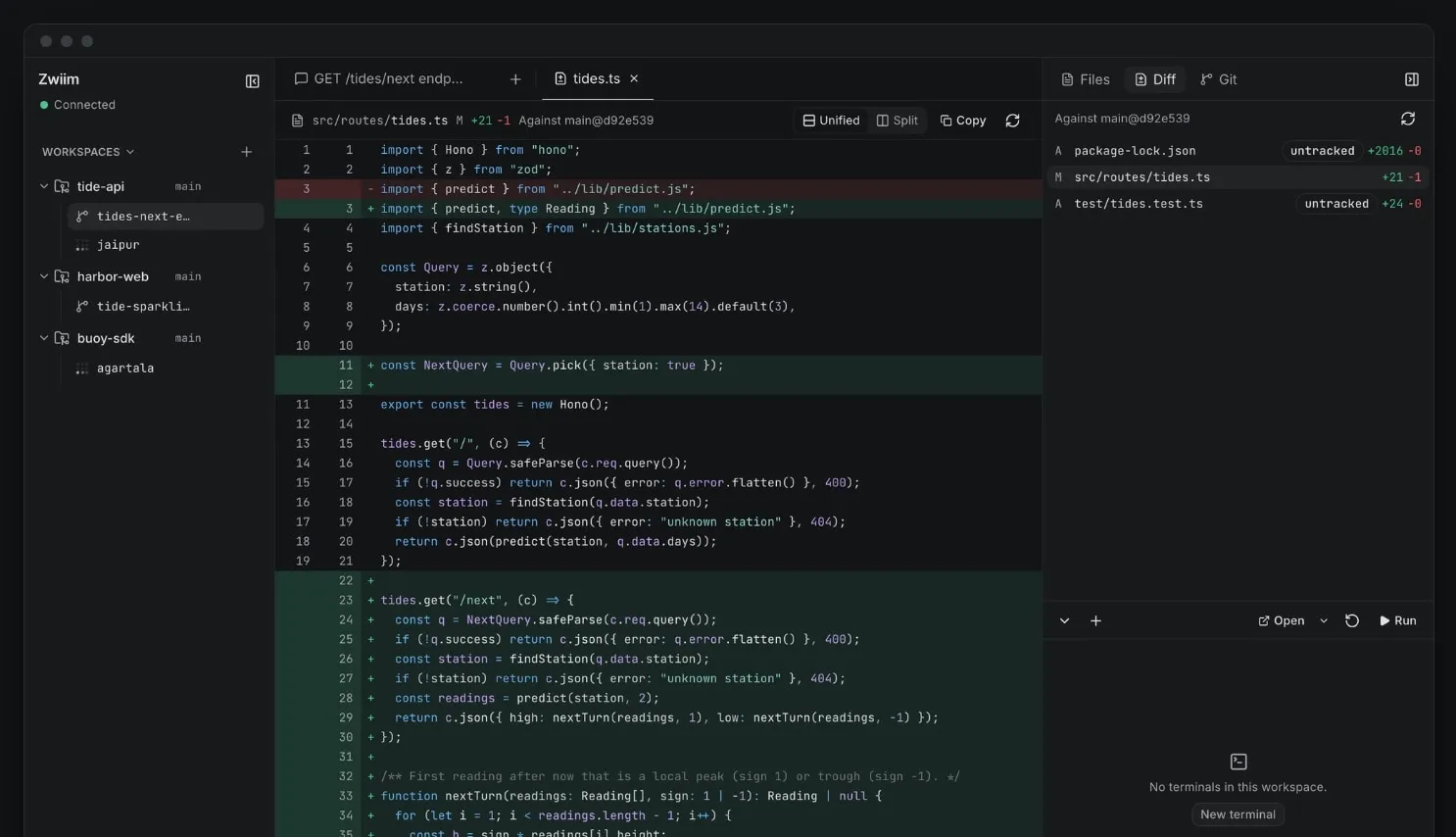
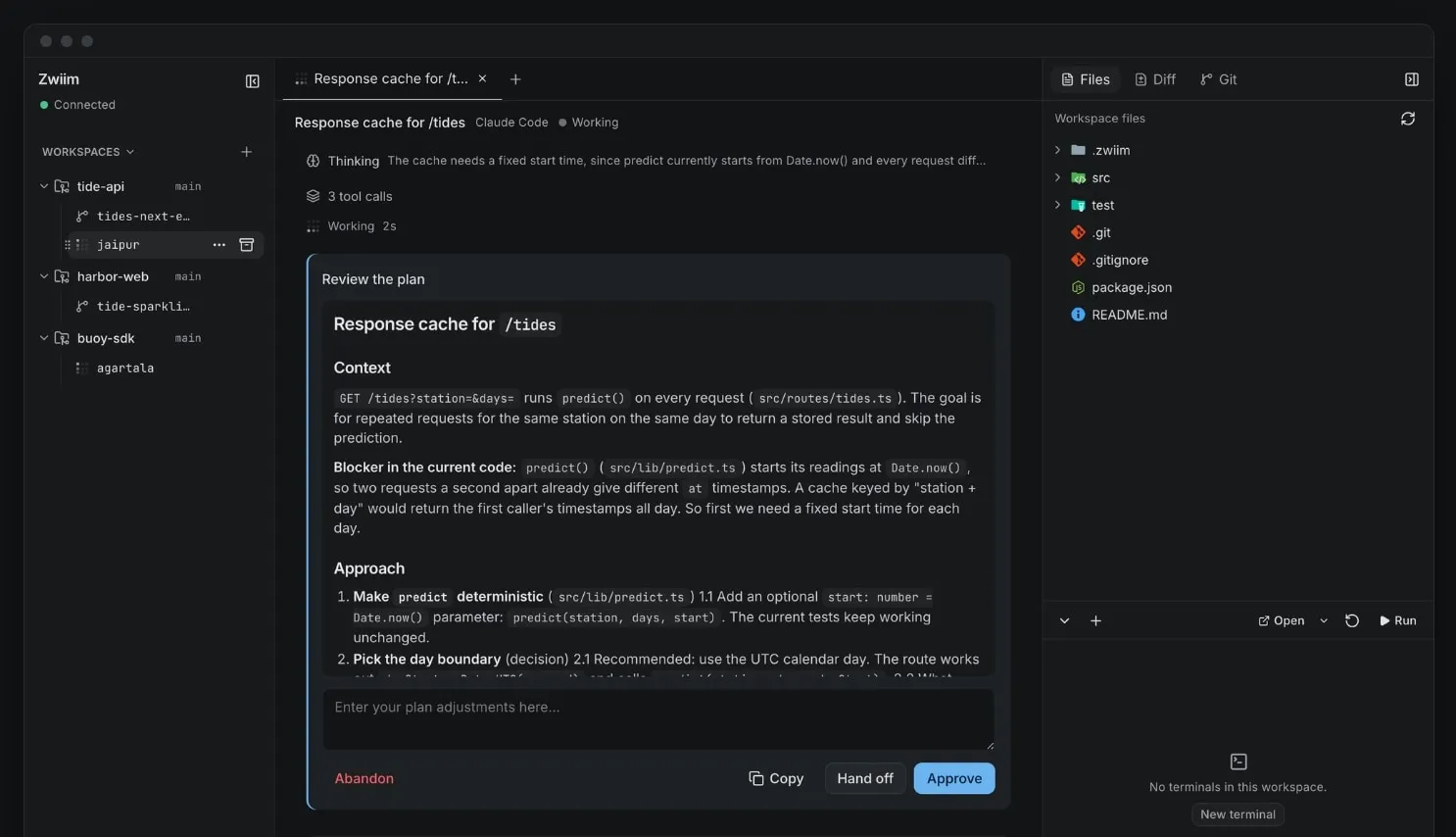
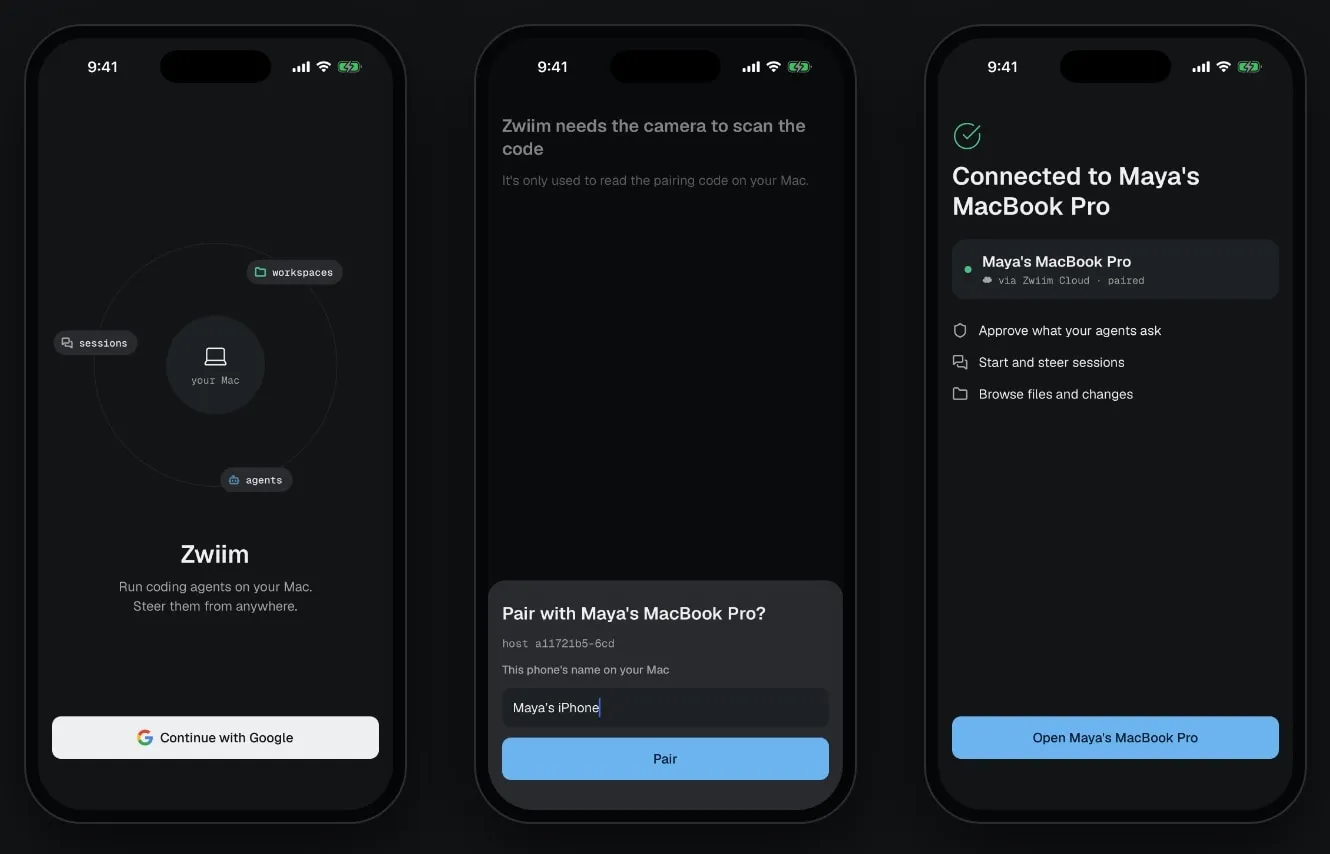
All screenshots are from the real apps, running real Claude Code sessions on sample projects.
Why Zwiim
Your machine does the work. Nobody else sees it.
Local first
Your code, agents, terminals and Git stay on your machine. Local work never passes through a server, and it keeps working when the Cloud is down.
Encrypted relay
Phones reach your machine through a Noise tunnel, encrypted end to end. The relay carries ciphertext only.
Your agents
Zwiim drives Claude Code, Codex, Gemini, Cursor, OpenCode and others. Bring your own subscriptions and keys.
No account needed locally
Choose "Continue locally" and use it alone on your machine.
Open source
Apache-2.0, including the relay, so you can run your own.
How it works
One Host on your machine. Every client talks to it.
Host
runtime/hostThe source of truth for workspaces, sessions, agents, terminals, files and Git. It runs on your machine.
Cloud
runtime/cloudAccounts, presence and the encrypted relay. It never runs your work and cannot read relayed traffic.
Clients
clients/*Desktop, mobile and the SDK send commands and render what the Host reports. They hold no authoritative state.
Get started
Three steps to your first agent.
- 1
Download the Mac app (60 MB), open it and drag Zwiim to Applications.
- 2
Get the phone app. On Android, install the APK (115 MB). The iOS app is not public yet.
- 3
Sign in on both devices, then scan the pairing code on your computer. Or skip this and choose "Continue locally".
Or build it yourself
Works locally without any Cloud settings. For remote access, run your own relay. To ship your own builds, see Forking.
Changelog
Shipping every few days.
FAQ
Frequently asked questions
What is Zwiim?
A desktop app that runs Claude Code, Codex and other coding agents side by side on your machine, each in its own Git worktree, plus a phone app to follow, approve and answer them when you are away from your desk.
Is it free?
Yes. Zwiim is open source under the Apache-2.0 license, including the relay. You bring your own agent subscriptions and API keys.
Does my code leave my machine?
No. The Host runs on your machine and owns your code, agents, terminals and Git. When you use the phone, traffic goes through a relay encrypted end to end; the relay only sees ciphertext.
Do I need an account?
Not to use it alone on your machine: choose "Continue locally". An account is only needed to pair your phone through Zwiim Cloud.
Which platforms are supported?
The Mac app runs on Apple Silicon. The Android app is an APK you install directly. The iOS app is not public yet.
Can I run my own relay?
Yes. The relay is open source too. The self-hosting guide in the repository walks through it.
Step away from your desk. Keep shipping.
Free and open source. Your code stays on your machine, your agents stay yours.